Connect Page
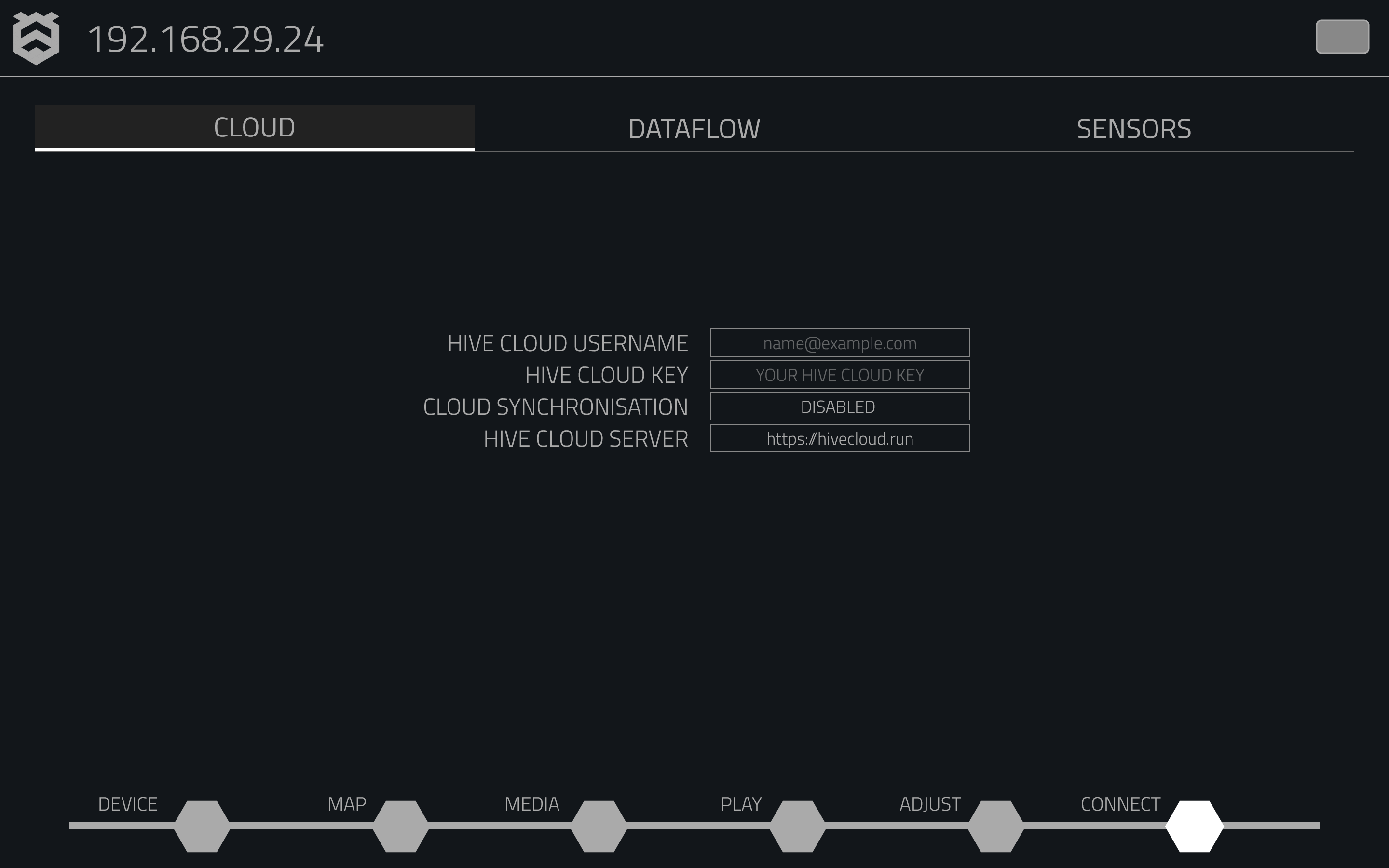
The Connect Page allows you to integrate remote access, automation, and interactive controls into your Hive Player. This page is divided into three key sections:
- Cloud: Manage remote access and synchronise through Hive Cloud.
- Data-Flow: Configure automated commands using conditional logic.
- Sensors: Integrate physical sensors for interactive media control.
Cloud

The Cloud tab connects your Hive player to the Hive Cloud for remote management. From here, you can:
- Cloud Synchronisation: Sync your player with Hive Cloud for remote control.
- Cloud Server: Choose which server to use (default: hivecloud.run).
- Account Info: Enter your Hive Cloud username and key for access.
Data-Flow

The Data-Flow tab allows you to automate commands and responses using conditional logic. You can:
- Incoming & Outgoing Commands: Set up "If-This-Then-That" rules for automation.
- Triggers & Actions:: Define how your Hive Player responds to external inputs.
Sensors

The Sensors tab lets you connect physical sensors to the Hive player, enabling dynamic control of media playback based on real-world inputs. For example:
- Sensor Inputs: Use sensors to trigger media playback.
- Triggers: Automate actions like starting a video when someone enters a room.