Adjust Page
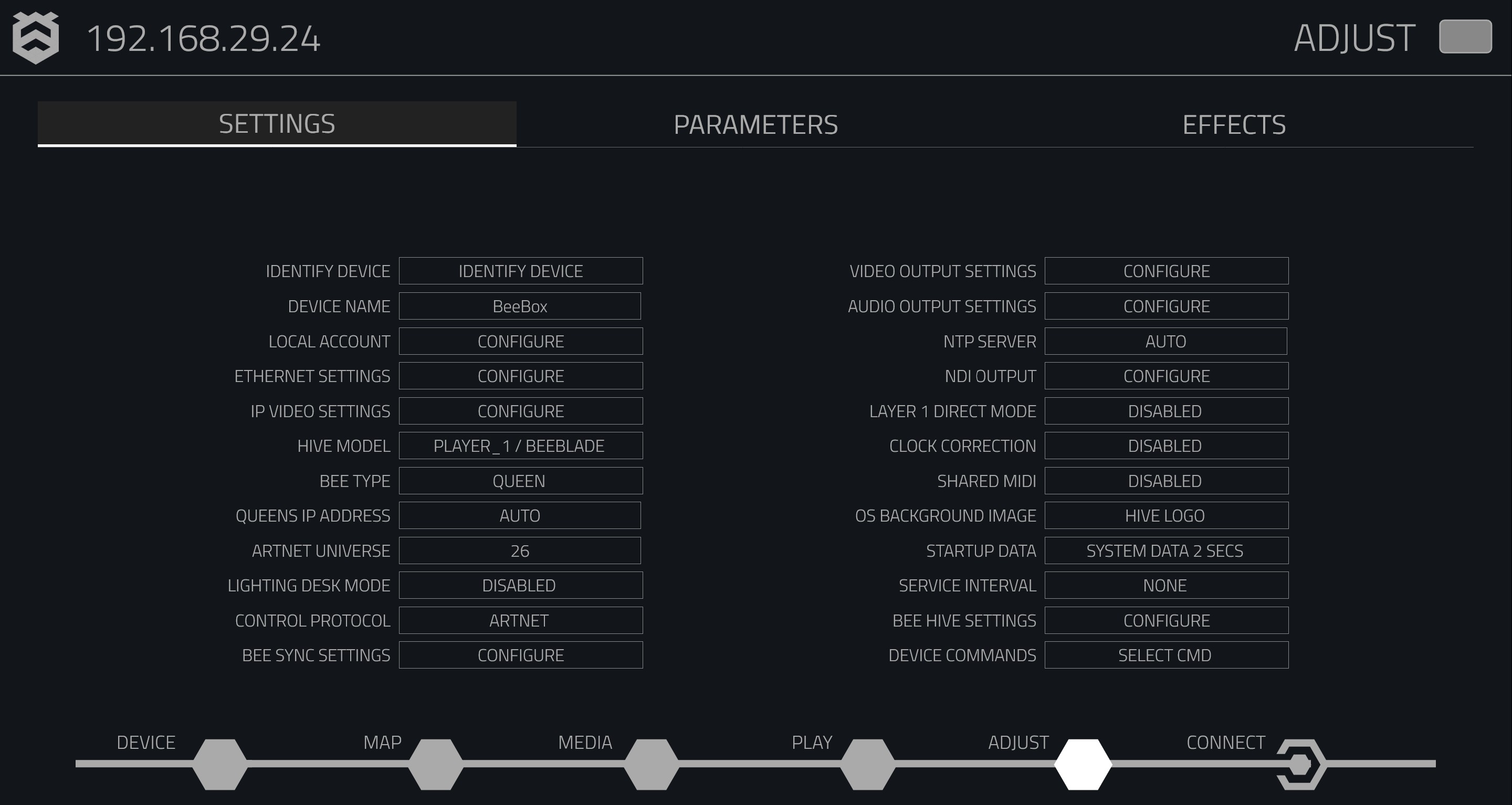
The Adjust Page gives you full control over how your Hive player behaves, performs, and displays content. You can fine-tune everything from basic settings to advanced visual effects. The page is divided into five key sections to help you manage your device:
- Settings: Core device configuration (e.g., IP settings, device identification).
- Parameters: Adjust playback settings for each media layer.
- Effects: Apply and customise visual effects on your media.
Settings

The Settings tab is where you manage your Hive player's primary features. Here's what you can control:
- Device Identification: Name your device for easy identification.
- IP Configuration: Choose between DHCP or Static IP.
- Model Selection: Select the correct Hive model for your setup.
- Synchronisation Settings: Control how your player syncs with others on the network.
Parameters

The Parameters tab allows you to fine-tune your media playback. You can control various properties for each media layer, including:
- Intensity: Set how bright your layer should be.
- Play Speed: Adjust how fast your content plays.
- Framing: Choose how the content fits the screen (e.g., letterbox, crop, stretch).
Effects

In the Effects tab, you can apply and adjust visual effects to enhance your media's presentation. You can:
- Select from a range of preset effects.
- Customise the intensity and parameters of each effect.
- Save and reset your effect configurations for future use.